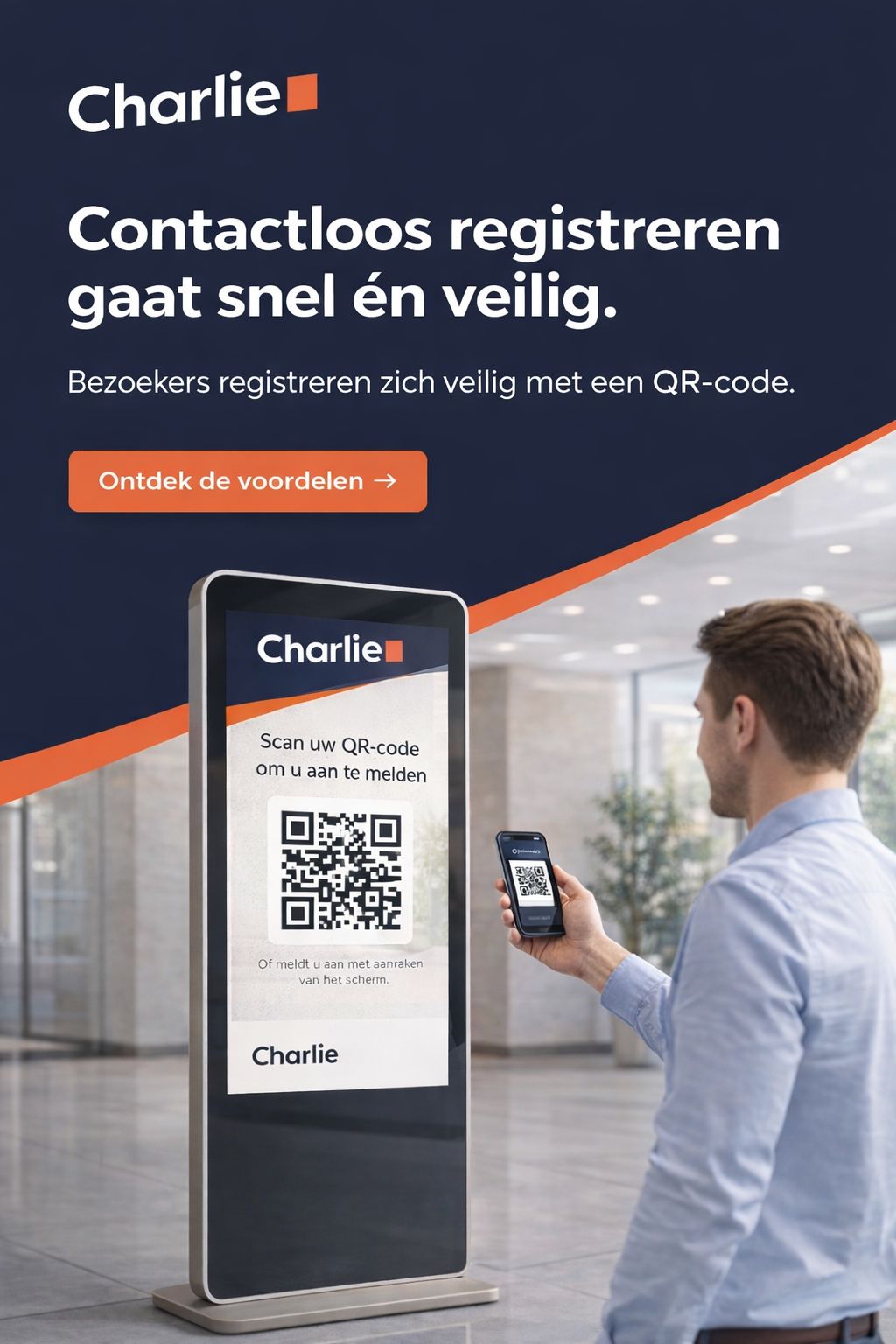
More and more buildings let visitors check in via a QR code. With Charlie it works differently than you might expect: the visitor does not receive a code in advance. The QR code appears on the kiosk screen itself.
Step 1: QR code on the screen
When a visitor wants to check in, Charlie displays a QR code on the touchscreen. The kiosk has no camera — the visitor scans the code with their own smartphone.
That has a practical advantage: the visitor enters details on a familiar device, and the screen at the desk stays free for other tasks such as calling employees or showing company information.
Step 2: checking in on the phone
After scanning, registration opens on the visitor's phone. Name, company and contact person are entered; if desired, house or safety rules can be shown for consent. It usually takes just a few seconds.
Visitors who prefer to do everything on the large screen can also check in directly via the kiosk touchscreen.
Step 3: automatic notification
As soon as check-in is complete, the contact receives a notification via email, SMS or push that the visitor has arrived. No one needs to be at the desk.
Step 4: overview and safety
The check-in appears in a real-time overview of everyone present in the building. In an emergency you instantly know who is still inside — important for emergency response.
Part of a broader reception
QR check-in is one feature within Charlie's visitor registration. The kiosk can also call employees, accept parcels and guide visitors to the right organization or department. See the pricing page for context — visitor registration is listed there as an optional module.